
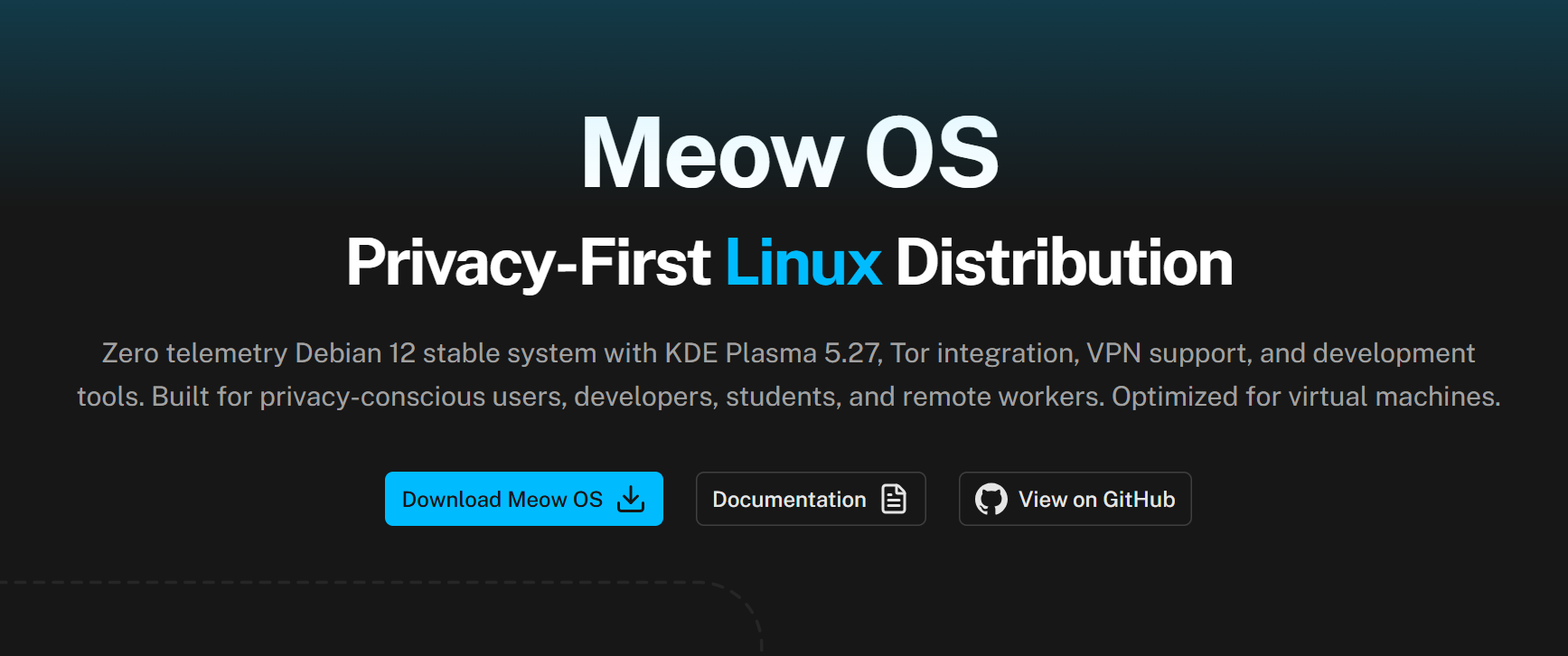
In the sprawling landscape of Linux distributions, where giants like Ubuntu and Fedora dominate, it is rare to find a newcomer that effectively balances usability, hardened security, and aesthetic appeal.
Enter Meow OS. Don’t let the playful name deceive you. Under the hood, Meow OS (which stands for Modular Engine for Operational Warfare) is a militant privacy-focused operating system. Built on the rock-solid foundation of Debian 12, it is designed to be a digital fortress for developers, ethical hackers, and privacy advocates.
In this comprehensive review, we explore the OS’s capabilities and the emerging talent from Pakistan behind its development.
Table of Contents
The Creator & Origin: A Rising Star from Pakistan
One of the most critical factors in trusting a security-focused operating system is knowing who built it. Unlike “ghost” projects with anonymous maintainers, Meow OS has a transparent and professional origin story.
The project is the brainchild of Muhammed Daud, a Pakistani developer and cybersecurity enthusiast.
Why Verification Matters
In the world of open source, Trust is currency. By analyzing the developer’s footprint, we can establish the legitimacy of the project:
- The Architect: Muhammed Daud’s LinkedIn profile showcases a background in Linux System Administration and security protocols. This isn’t a hobbyist “reskin” it’s a purpose-built environment engineered by someone who understands the nuances of kernel hardening.
- The Codebase: The project is hosted on the Meow-OS-Linux GitHub Organization. The repository is explicitly marked with the location “Pakistan,” highlighting the country’s growing contribution to the global open-source ecosystem. The code is open for audit, ensuring no hidden backdoors exist.
Technical Deep Dive: Privacy by Design
Meow OS distinguishes itself from standard Linux distributions through a philosophy of “Negative Trust.” It assumes the network is hostile and locks the system down by default.
1. The Zero-Telemetry Promise
In an era where even Operating Systems spy on you, Meow OS goes dark.
- De-Googled Browsing: The pre-installed browsers (Firefox and Chromium) have been scrubbed of telemetry code. They do not send crash reports or usage statistics to Google or Mozilla.
- Clean Development: The included VS Code is a privacy-hardened build. It allows developers to write code without Microsoft collecting metadata on their usage habits or project details.
2. Military-Grade Anonymity
For users living under restrictive firewalls or those needing to protect their identity:
- Tor Integration: The OS includes a Tor background service running on SOCKS5 port 9050. This allows you to route specific application traffic through the Tor network without needing complex configurations.
- Encrypted DNS: Meow OS utilizes DNS-over-TLS by default, configured with Cloudflare and Quad9. This prevents “Man-in-the-Middle” attacks where ISPs or local hackers try to intercept your DNS requests to see which websites you are visiting.
3. Hardened Security Layers
- Firewall (UFW): The “Uncomplicated Firewall” is active out-of-the-box with a strict “Deny Incoming” policy.
- Intrusion Prevention: Fail2Ban is pre-configured to monitor system logs. If it detects repeated failed login attempts or suspicious behavior, it automatically bans the offending IP address.
- Kernel: Leveraging the Debian Stable kernel ensures that the system prioritizes security patches and reliability over experimental features.
User Experience: KDE Plasma Polish
Security tools are often ugly and difficult to use (think Kali Linux’s aggressive aesthetic). Meow OS takes a different approach by using KDE Plasma 5.27 LTS.
- Visuals: It ships with a customized Global Dark Theme that is easy on the eyes perfect for late-night coding sessions.
- Performance: Despite the heavy encryption and security tools, the OS is optimized. In our tests, it idled at approximately 800MB of RAM, making it lightweight enough to run smoothly inside a Virtual Machine.
Deployment: The “Virtual-First” Strategy
Currently, Meow OS is distributed as ready-to-use Virtual Machine (VM) images.
- Target Audience: This approach is ideal for security researchers and developers who need a “Sandbox Environment.” You can run Meow OS inside your existing Windows or Mac computer to test code, open suspicious files, or browse anonymously without risking your main hardware.
- Formats Available:
- VDI: For Oracle VirtualBox.
- VMDK: For VMware Workstation.
- QCOW2: For QEMU/KVM (Linux hosts).
Note: A standard ISO installer for bare-metal installation (installing directly on a laptop hard drive) is on the roadmap for future updates.
Comparison: Meow OS vs. The Competition
| Feature | Meow OS | Ubuntu | Tails OS |
| Base System | Debian 12 Stable | Debian/Snap | Debian |
| Telemetry | Zero (Removed) | Some (Opt-out) | Zero |
| Persistence | Yes (Saves Files) | Yes | No (Amnesic) |
| Primary Use | Dev / Daily Driver | General Use | Extreme Anonymity |
| Desktop | KDE Plasma | GNOME | GNOME |
Analysis: Meow OS sits in the “Sweet Spot” between Ubuntu (too much tracking) and Tails (too inconvenient because it deletes files on shutdown). It offers the privacy of Tails with the permanence and usability of Ubuntu.
Conclusion
Meow OS is a triumphant entry into the Linux space. It proves that high-quality, secure software can come from independent developers in emerging tech hubs like Pakistan.
For Muhammed Daud and the Meow-OS-Linux team, the focus on transparency and architectural security has paid off.
Recommendation: If you are a student learning cybersecurity, a developer needing a clean environment, or a privacy advocate, download Meow OS today. It is free, open-source, and arguably the most secure “virtual” desktop available in 2026.
Official & Verified Links
- Download: meowos.tech
- Developer: Muhammed Daud (LinkedIn)
- Source Code: GitHub Organization
- Report Issues: GitHub Issues
Also Check AR and VR Innovations – Shaping the Powerful Future in 2026
1 thought on “Meow OS – “Purr-fect” and Powerful Privacy Linux Built 2026”